
Audio Setting
1 min read
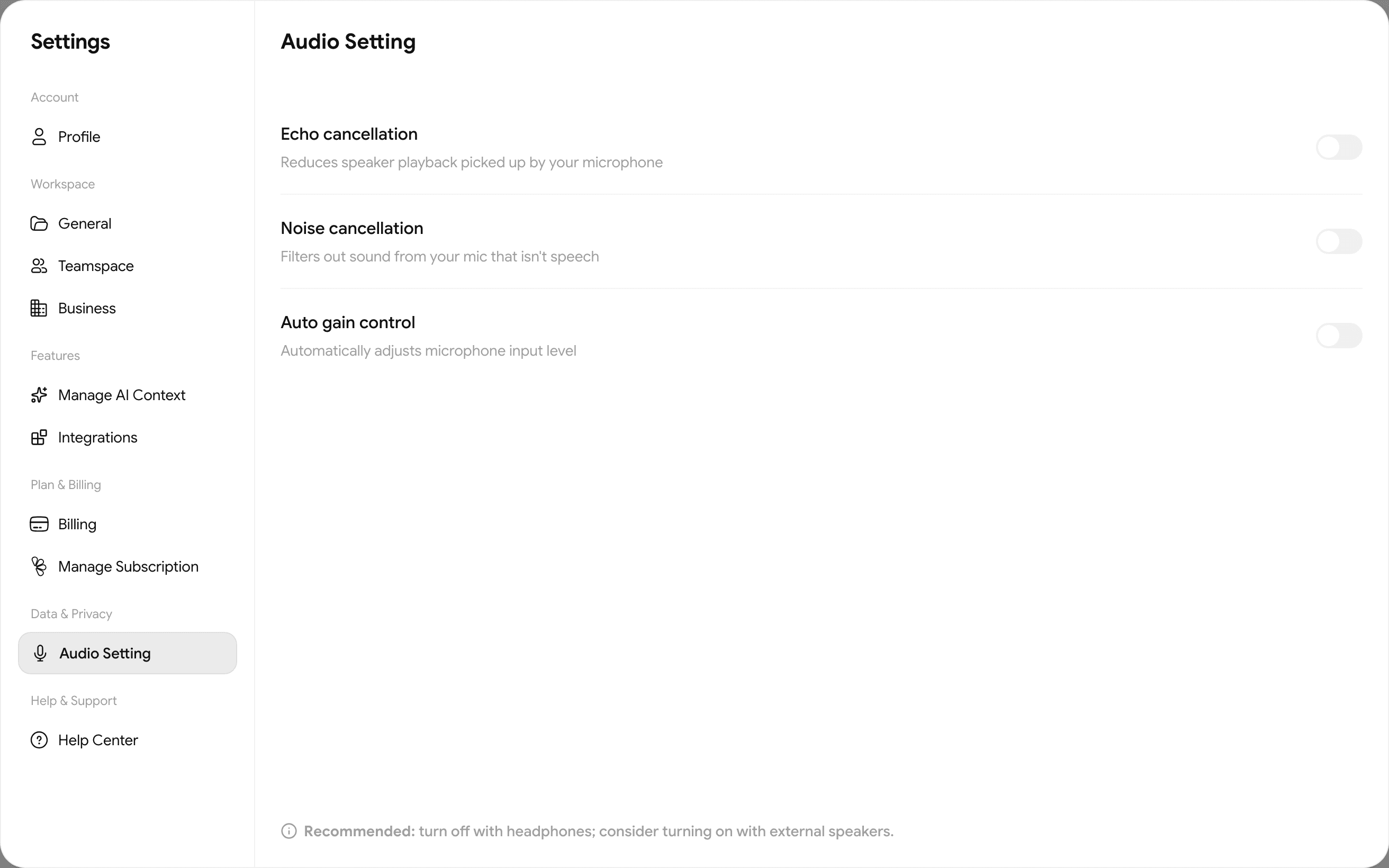
In Settings → Audio Setting (Data & Privacy) there are 3 switches that directly affect how well Saydi hears. In a meeting room, turn on all three.
| Switch | Effect |
|---|---|
| Echo cancellation | Removes speaker output picked up by the mic. Needed when the room plays the translation aloud. |
| Noise suppression | Filters machinery, fans, factory background noise. |
| Auto gain control | Levels out loud and quiet speakers. |
Choosing the input device
The mic button at the bottom left of every translation screen → Microphone / System–Tab / Both + the device list. Rooms of 8 or more: a USB conference microphone in the middle of the table instead of the laptop mic. Halls: audio from the mixer →Stage tech.