
The 3 modes
1 min read
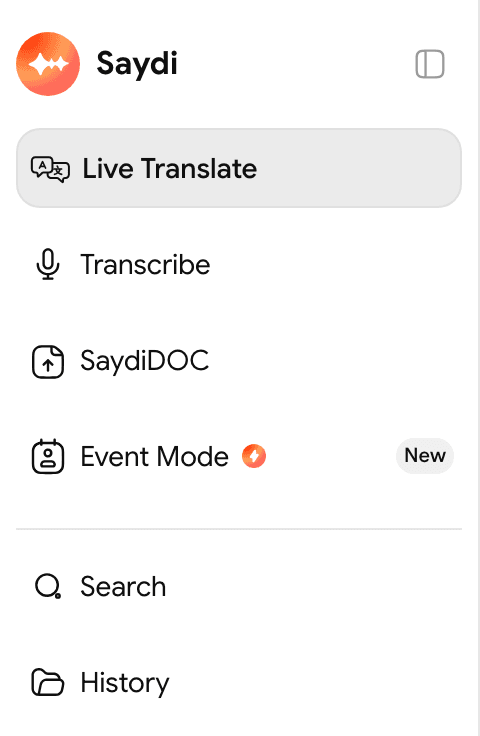
Once you're signed in, the left column shows 3 modes: Live Translate, Transcribe and Event Mode. SaydiDOC, in the same column, is a separate document translation tool that opens in a new tab. Pick a mode based on how the session will run.
| Mode | Good for | What makes it different |
|---|---|---|
| Live Translate | One person presents to a room, or two sides take turns talking. Meetings, seminars, training, visits. | One screen, two setups: translate into one language, or translate two languages both ways. |
| Transcribe | You only need the words written down, no translation. | Gives you the words as spoken, with no translation. |
| Event Mode | Big events with many languages. Each attendee reads subtitles on their own phone by scanning a QR code. | Has a schedule, an event code and a page for attendees. Needs the Event plan. |
Still not sure?
- A meeting in a room with fewer than 20 people: use Live Translate and choose the other side's language.
- A stage and an audience reading one screen: leave the left box on Auto-detect.
- An audience reading on their own phones: use Event Mode, which needs the Event plan.