
Members & credits
1 min read
For whoever looks after the company account. Where to see the workspace, who's in it, and how much it has used. For buying credits and invoices, see Plans, credits and billing.
Where the company account lives
Click the Settings icon (the middle one of the 3 small icons at the bottom left), then Business. You'll see the workspaces you belong to, each with your role (Admin or Member), the member count, the start date, the renewal date and the status.
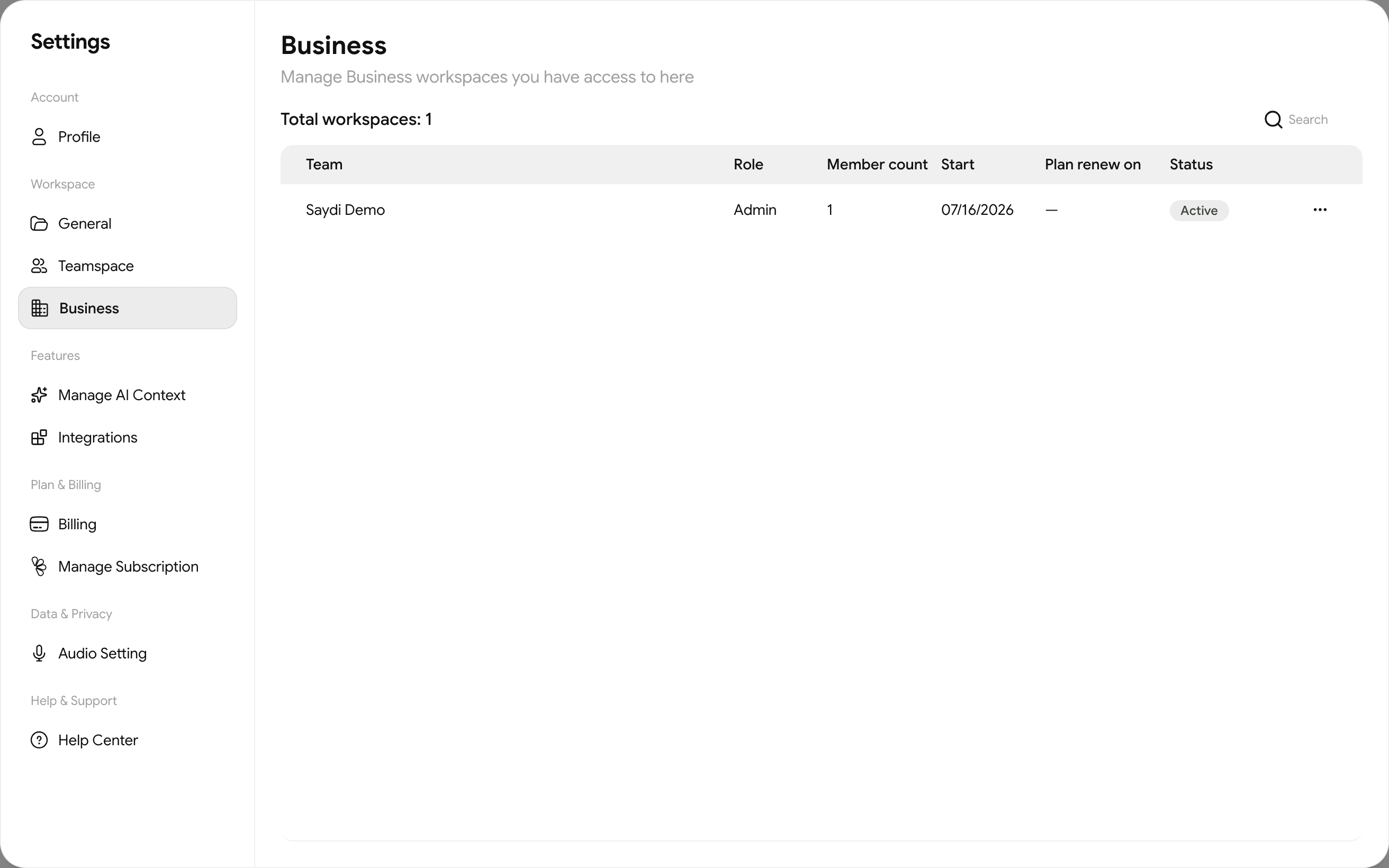
Click a workspace to open it. It has 2 tabs:
| Tab | What's there |
|---|---|
| Members | Everyone in the workspace. Add members invites a colleague by email. Only Admins see this button. |
| Billing | The workspace's plan, available credits, monthly versus top-up credits, credits used this month, and the transaction list. |
Reading the transaction list
Each line is one session or purchase:
| Type | Meaning |
|---|---|
| Text | A translation or transcription session shown on screen. Credits and minutes are listed next to it. |
| Text, Voice | The same, with the Voice button on. Costs more. |
| Slot fee | Seats reserved for an event. Charged when you create the event, based on the estimated number of attendees. |
| Add Credit tab | Top-ups and plan renewals. |
Teamspaces
Settings → Teamspace lists smaller groups inside the company, for example one per department. A teamspace can share its own AI Context sets. Create Teamspace starts a new one.
Contract customers
If your company has a contract with Saydi, adding members or buying more credits goes through your contract rather than the in-app buttons, so it's billed correctly. Ask your admin, or [contact the Saydi team](/help-center/contact).