
Settings & admin
1 min read
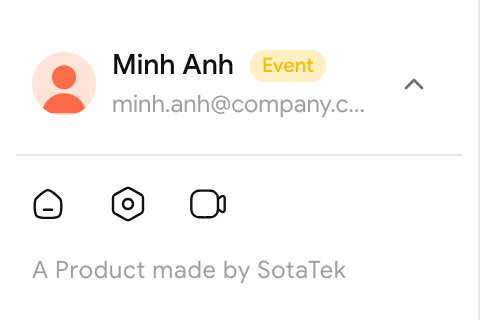
Click the Settings icon (the middle one of the 3 small icons at the bottom left) to open Settings.
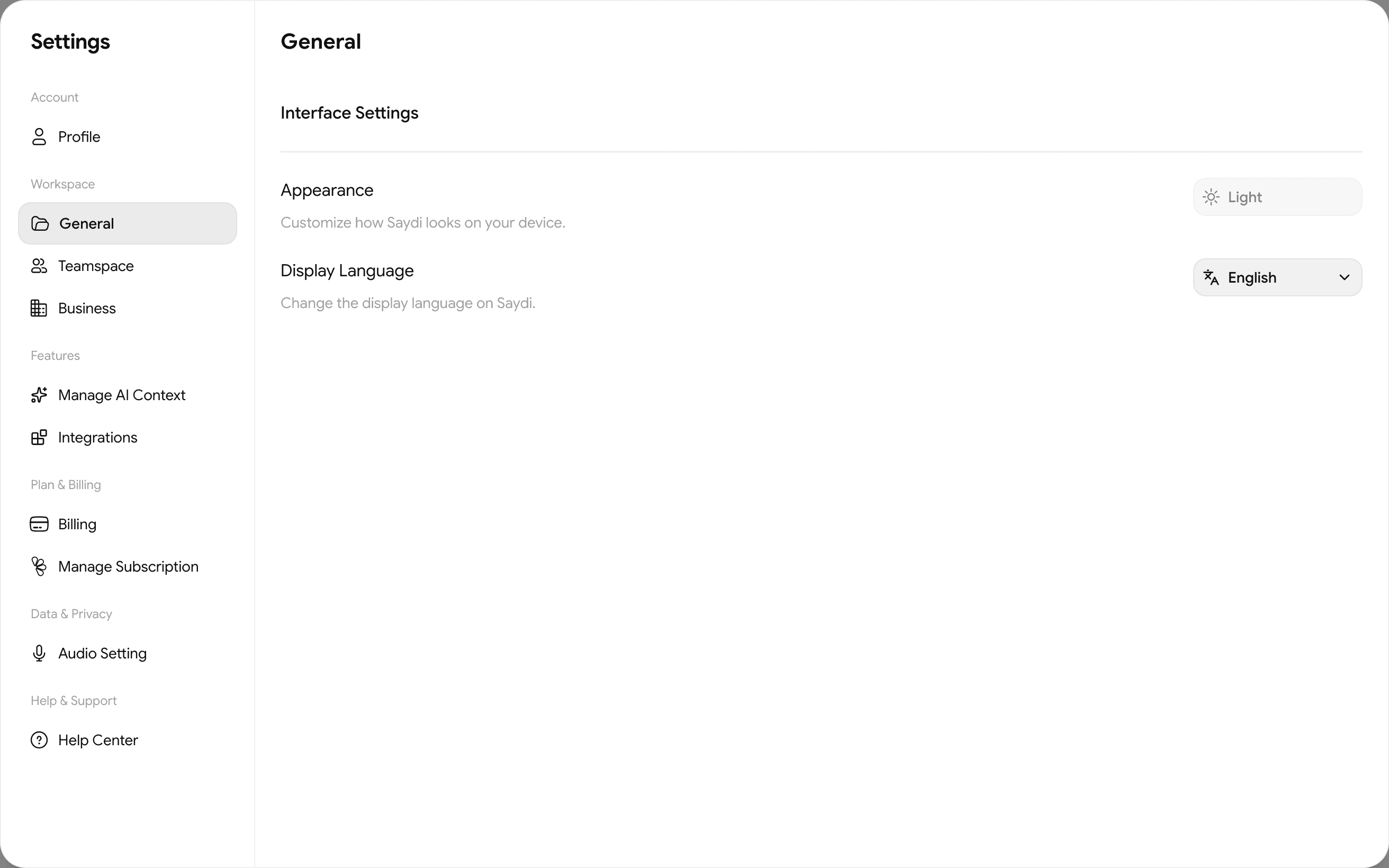
| Group | Item | What for |
|---|---|---|
| Account | Profile | Name, photo, account email |
| Workspace | General | Display Language · Appearance light / dark |
| Teamspace | Small teams you belong to | |
| Business | Company workspace: role, member count, renewal date, status → Members & credits | |
| Features | Manage AI Context | Terminology sets → AI Context |
| Integrations | Slack, and the Chrome extension for Meet / Zoom / Teams → Integrations | |
| Plan & Billing | Billing · Manage Subscription | Balance, top-ups, invoices, cancelling → Plans, credits and billing |
| Data & Privacy | Audio Setting | Three audio filters → Audio |
| Help & Support | Help Center | This site |
Outside Settings there's also the Display panel (3-slider icon, top right of the translation screen) → Display.