
What is Saydi
1 min read
Saydi translates speech live. Someone talks in their own language, and the translation shows up on the screen while they are still talking. The people in the room don't need to install anything or create an account. They just read.
When the meeting ends, Saydi keeps a transcript in both languages, so you can send it to anyone who missed it.
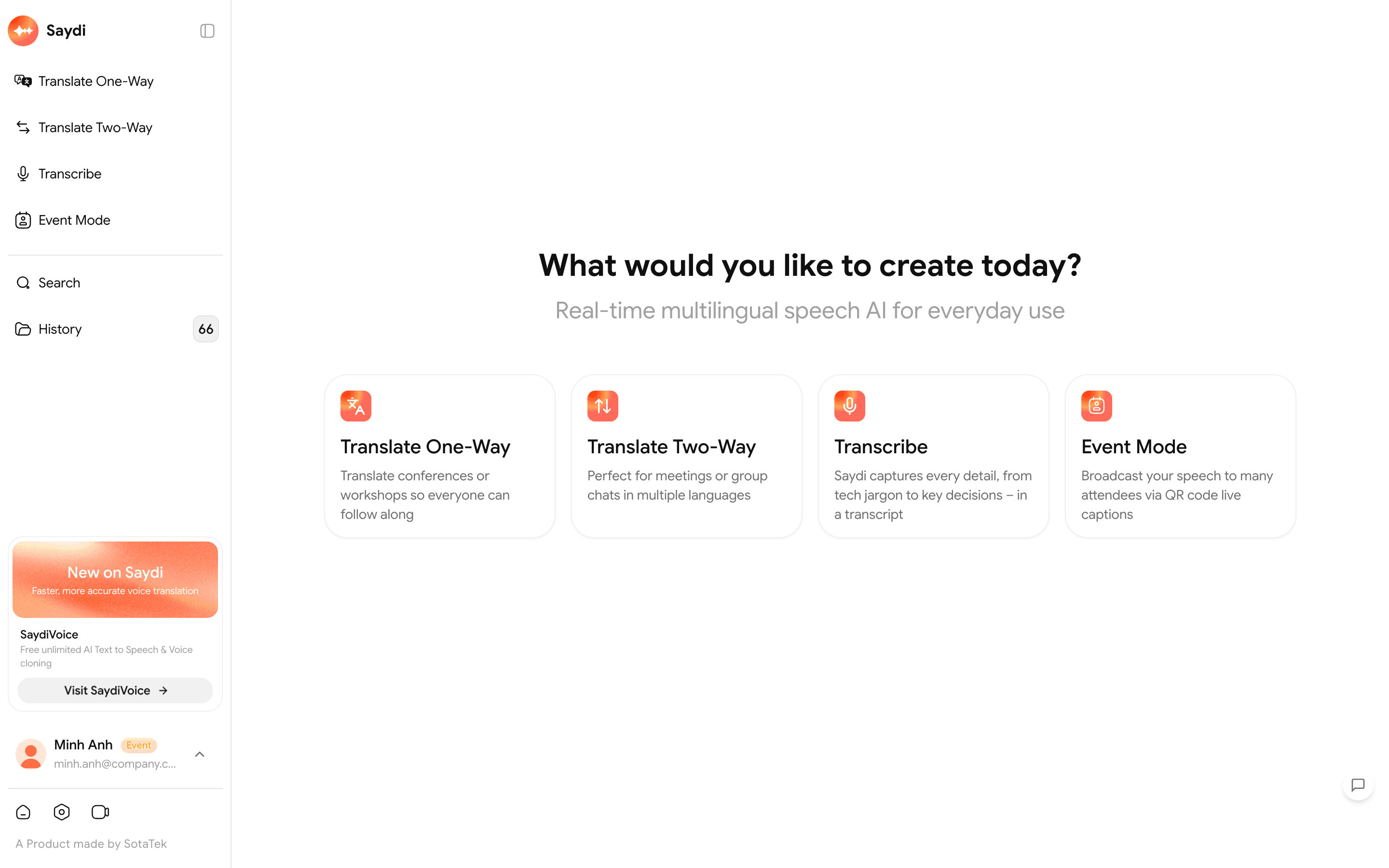
What you can use it for
| You want to | Use |
|---|---|
| Let a whole room read what one presenter is saying | One-Way |
| Have a meeting where 2 sides take turns talking | Two-Way |
| Just get the words written down, no translation | Transcribe |
| Run a big event where every attendee reads subtitles on their own phone | Events |
| Hear the translation read out loud | The Voice button in any mode |
| Translate a Zoom, Teams or Meet call, or a video | Choose System / Tab as the audio source |
Where it runs
- In a browser on your computer: Chrome, Cốc Cốc, Edge or Safari. Go to saydi.ai. Nothing to install.
- On a Mac with the desktop app. Useful next to the Zoom or Teams desktop apps. See On your Mac.
- On your phone with the iOS or Android app: saydi.ai/download. Handy when you visit a partner.
- Event attendees only scan a QR code. No account needed.
2 things worth knowing before you start
Good sound in, good translation out
A decent microphone, speaking close to it, and one person talking at a time. These 3 things matter more than any setting in the app. See Getting better translations.
Teach it your words first
People's names, machine names, product codes. If Saydi hasn't seen them, it translates them like ordinary words. Ten minutes in AI Context fixes that.